
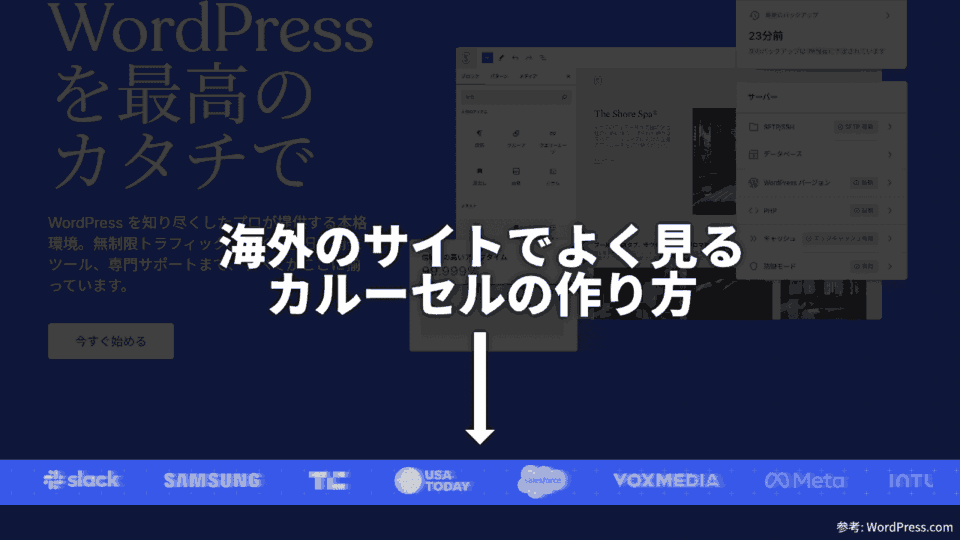
海外のサイトでよく見るカルーセルの作り方
海外のサイトで、取引先の大企業のロゴがカルーセルになっているものをよく見かけます。今回は、HTML と CSS だけで実現するカルーセルの作り方を備忘録として残します。
何のことかよく分からないという方は、WordPress.com を見てください。
カルーセルの動作イメージ
HTML
<div class="_logo-carousel">
  <div>
    <!-- グループ1 -->
    <figure><img alt="ロゴ" … /></figure>
    <figure><img alt="ロゴ" … /></figure>
    …
  </div>
  <div>
    <!-- グループ2 -->
    <figure><img alt="ロゴ" … /></figure>
    <figure><img alt="ロゴ" … /></figure>
    …
  </div>
</div>
全体を包含する div.carousel と、 の2つの子要素 (グループ1 と グループ2) が最小の構成となります。
グループ1 が左に移動して表示エリア外から出ていき、グループ2 が表示エリア内に右から出てくる、グループ2 が左に移動して表示エリア外から出ていき、グループ1 が表示エリア内に右から出てくる、というループになります。
ロゴの数や大きさに応じて、グループ3、グループ4、のように増やし、最大8個までグループを作ります。
CSS
/**
 * div._logo-carousel
 * > div
 *   > figure
 *     > img
 */
@keyframes logo-carousel_2 { 0%             { transform: var(--transform_1, none); } 100% { transform: var(--transform_2, none); } }
@keyframes logo-carousel_3 { 0%, 33.333333% { transform: var(--transform_1, none); } 100% { transform: var(--transform_2, none); } }
@keyframes logo-carousel_4 { 0%, 50%        { transform: var(--transform_1, none); } 100% { transform: var(--transform_2, none); } }
@keyframes logo-carousel_5 { 0%, 60%        { transform: var(--transform_1, none); } 100% { transform: var(--transform_2, none); } }
@keyframes logo-carousel_6 { 0%, 66.666666% { transform: var(--transform_1, none); } 100% { transform: var(--transform_2, none); } }
@keyframes logo-carousel_7 { 0%, 71.428571% { transform: var(--transform_1, none); } 100% { transform: var(--transform_2, none); } }
@keyframes logo-carousel_8 { 0%, 75%        { transform: var(--transform_1, none); } 100% { transform: var(--transform_2, none); } }
._logo-carousel {
  --has-nth: 2;
  --keyframes: logo-carousel_2;
  --time: 15s;
  --transform_1: translateX(100%);
  --transform_2: translateX(-100%);

  display: grid;
  overflow: hidden;

  &:has(> div:nth-child(3)) {
    --has-nth: 3;
    --keyframes: logo-carousel_3;
  }
  &:has(> div:nth-child(4)) {
    --has-nth: 4;
    --keyframes: logo-carousel_4;
  }
  &:has(> div:nth-child(5)) {
    --has-nth: 5;
    --keyframes: logo-carousel_5;
  }
  &:has(> div:nth-child(6)) {
    --has-nth: 6;
    --keyframes: logo-carousel_6;
  }
  &:has(> div:nth-child(7)) {
    --has-nth: 7;
    --keyframes: logo-carousel_7;
  }
  &:has(> div:nth-child(8)) {
    --has-nth: 8;
    --keyframes: logo-carousel_8;
  }
  &:dir(rtl) {
    --transform_1: translateX(-100%);
    --transform_2: translateX(100%);
  }
  & > div {
    animation:
        var(--keyframes) /* animation-name */
        calc(var(--time) * var(--has-nth)) /* animation-duration */
        calc((var(--time) * var(--nth)) - (var(--time) * var(--has-nth))) /* animation-delay */
        linear
        infinite
        both;
    display: flex;
    grid-area: 1 / 1;
    margin: 0;

    &:nth-child(1) {
      --nth: 1;
    }
    &:nth-child(2) {
      --nth: 2;
    }
    &:nth-child(3) {
      --nth: 3;
    }
    &:nth-child(4) {
      --nth: 4;
    }
    &:nth-child(5) {
      --nth: 5;
    }
    &:nth-child(6) {
      --nth: 6;
    }
    &:nth-child(7) {
      --nth: 7;
    }
    &:nth-child(8) {
      --nth: 8;
    }
    &:nth-child(n + 9) {
      display: none;
    }
    & > * {
      flex: 0%;
      margin: 0;
    }
  }
}
グループが何個あるか数え、個数に応じて、適用するキーフレーム、1ループの総再生時間の計算、グループ毎の遅延時間の計算、を行います。
1ループの総再生時間
calc(var(--time) * var(--has-nth))1つのグループが表示され、隠れ、再度表示されまでの再生時間と、グループの個数を乗算したものが、1ループの総再生時間になります。
グループ毎の遅延時間
calc((var(--time) * var(--nth)) - (var(--time) * var(--has-nth)))グループ毎に遅延時間を設定しないと、一斉に表示され、何も表示されない状態を経て、再度表示される、というアニメーションになってしまいます。
再生時間とグループ番号を乗算したものから、総再生時間を減算したものが、グループ毎の遅延時間になります。
キーフレームの計算
@keyframes logo-carousel_2 { 0%             { … } 100% { … } }
@keyframes logo-carousel_3 { 0%, 33.333333% { … } 100% { … } }
@keyframes logo-carousel_4 { 0%, 50%        { … } 100% { … } }
@keyframes logo-carousel_5 { 0%, 60%        { … } 100% { … } }
@keyframes logo-carousel_6 { 0%, 66.666666% { … } 100% { … } }
@keyframes logo-carousel_7 { 0%, 71.428571% { … } 100% { … } }
@keyframes logo-carousel_8 { 0%, 75%        { … } 100% { … } }
このカルーセルには2つの状態があります。1つのグループが全て表示され、他のグループが隠れる状態と、2つのグループが部分的に隠れながら表示される状態です。
グループが隠れる時間は、グループの個数によって変わってくるため、計算する必要があります。
グループの個数が2個なら、隠れている時間は0秒です。1つのグループが完全に隠れた次の瞬間、すぐさま表示され始めるためです。
グループの個数が3個なら、隠れている時間は総再生時間の 1/3 です。なので、0% から 33.333333% (100% * 1 / 3) までの隠れる時間を設けます。
グループの個数が4個なら、隠れている時間は総再生時間の 2/4 (1/2) です。なので、0% から 50% (100% * 1 / 2) までの隠れる時間を設けます。
グループの個数が5個なら、隠れている時間は総再生時間の 3/5 です。なので、0% から 60% (100% * 3 / 5) までの隠れる時間を設けます。
グループの個数が6個なら、隠れている時間は総再生時間の 4/6 (2/3) です。なので、0% から 66.666666% (100% * 2 / 3) までの隠れる時間を設けます。
グループの個数が7個なら、隠れている時間は総再生時間の 5/7 です。なので、0% から 71.428571% (100% * 5 / 7) までの隠れる時間を設けます。
グループの個数が8個なら、隠れている時間は総再生時間の 6/8 (3/4) です。なので、0% から 75% (100% * 3 / 4) までの隠れる時間を設けます。
この計算が理解できれば、グループの個数を更に増やしたい場合でも対応できると思います。
〆
今年も、もう半分終わってしまう。
関連記事
- コピペで使えるJS未使用のシンプルなCSSカルーセルスライダー
 JavaScriptで実装されることが一般的なカルーセルスライダーをHTMLとCSSのみで作ってみました。是非、コピペして使ってみてください。
 - CSSで段組みと内容の流し込みをするcolumnsプロパティの使い方
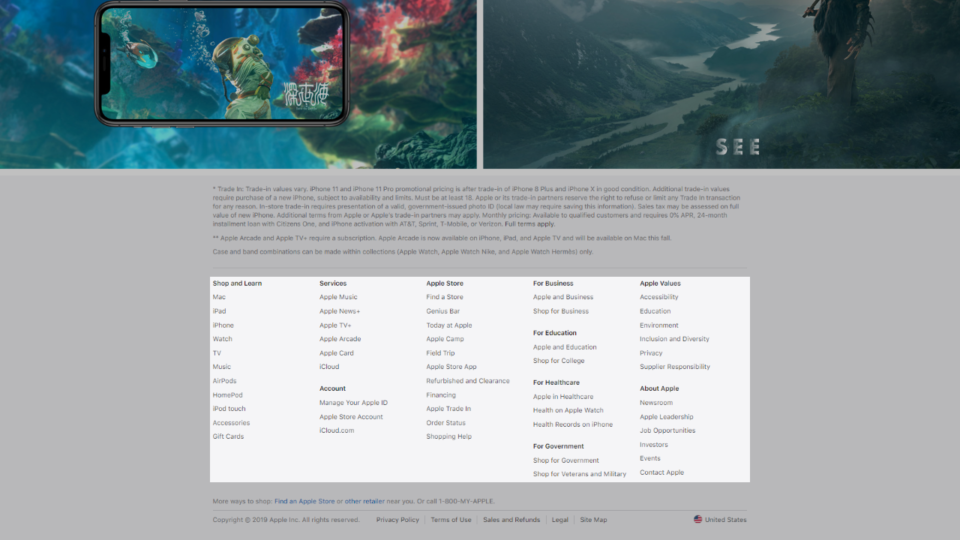 レスポンシブデザインに最適な段組みを可能にするCSSのcolumnsプロパティを、Appleのサイトにあるフッターメニューを例に解説しています。
 - table要素をグリッドで再構築する Gridized Table CSS
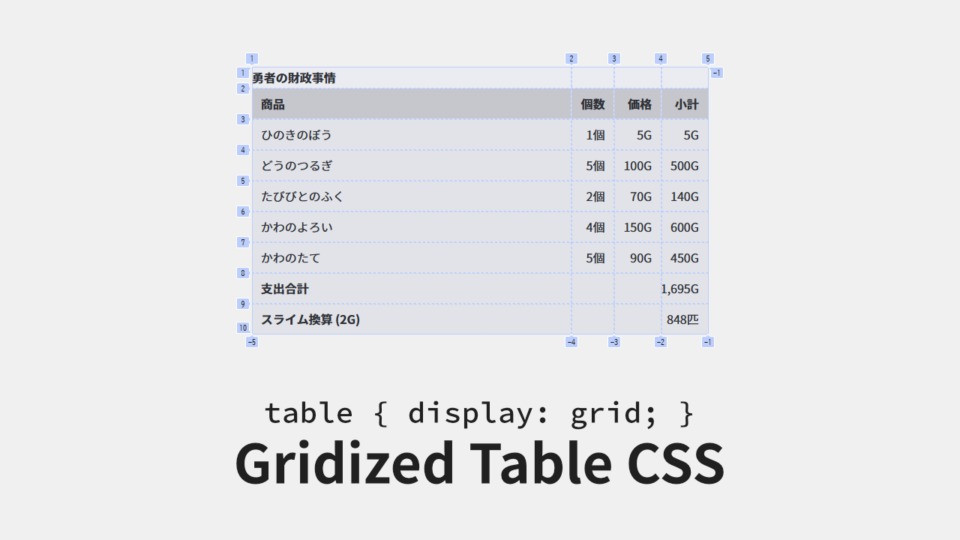 table要素 のスタイリングで困っていませんか?独特のレンダリングアルゴリズムを持つ table要素 をスタイリングしやすくするために、display: grid; でグリッド化する方法を紹介しています。
 - 半角スペースのHTMLにおける特徴とそれを応用したCSSテクニック
 リストアイテムを横並びにしたときにできる余白 (半角スペース)、これに頭を悩ませたWeb制作者の方も多いのではないでしょうか?今回は、半角スペースを消すのではなく、半角スペースを有効活用するためのCSSテクニックを紹介していす。